Enhance Digital Security for Optimal System Performance
Our state-of-the-art intelligent security solutions are crafted to deliver a secure and seamless digital experience in real-time, whether you're at the office or at home.

Seamless Installation Make use of our support tutorials for easy, step-by-step setup.

Rapid Scanning Rapid detection and diagnosis of system threats for proactive protection.

Self Maintenance Automated cleanup for a cleaner system to free up disk space.
TAT Software Promise
Intelligent intuitive PC protection solution that promises greater durability, efficient performance and a smooth user experience.
Safe Browsing Encrypt your browsing data, become anonymous and impossible to track or hack.
Superior Security Advanced defense mechanism automatically gets rid of high-risk programs & malware.
Optimizes Performance Boosts up system efficiency by enhancing processing speed & minimizing processing time.
Real-Time Detection Threat detection algorithms perform in the background to counter emerging threats. Compatible With |
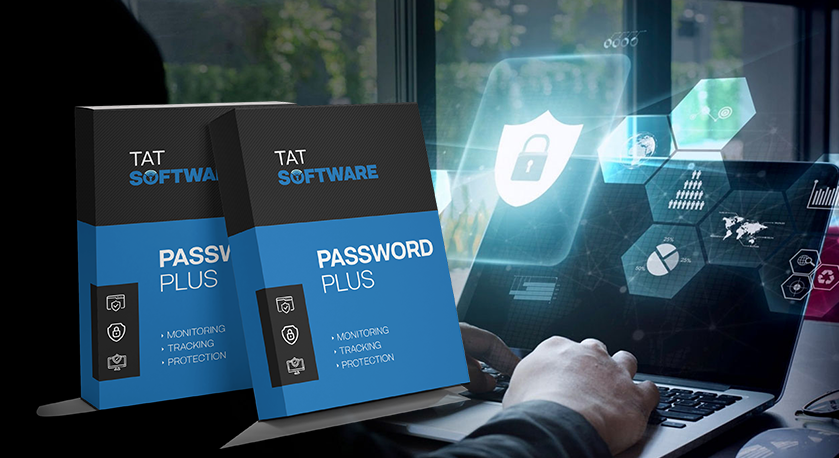
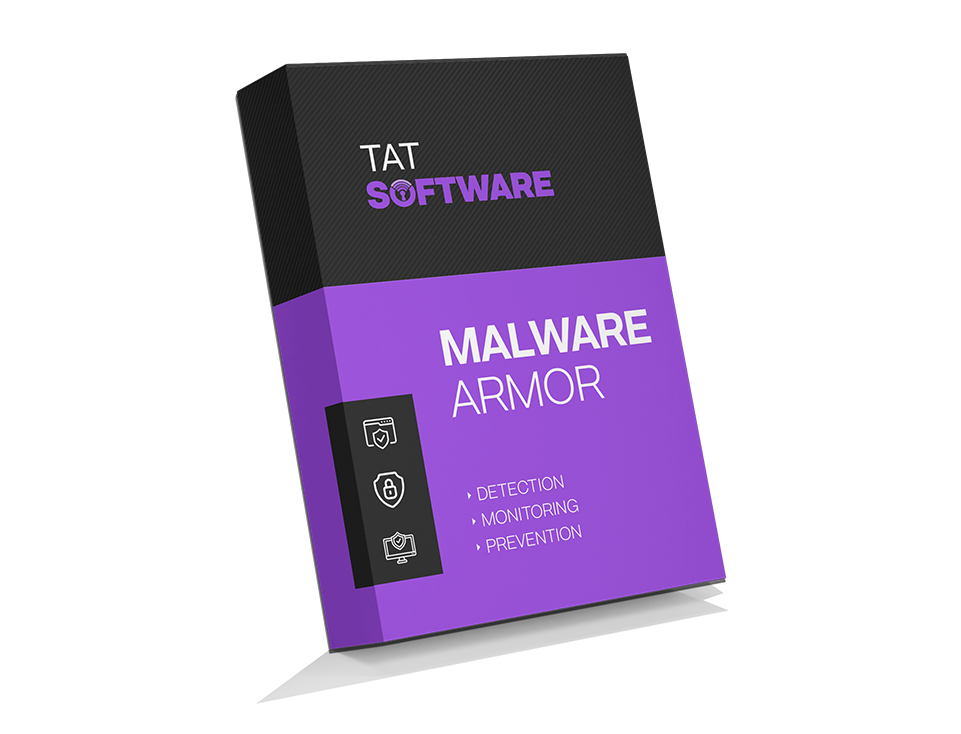
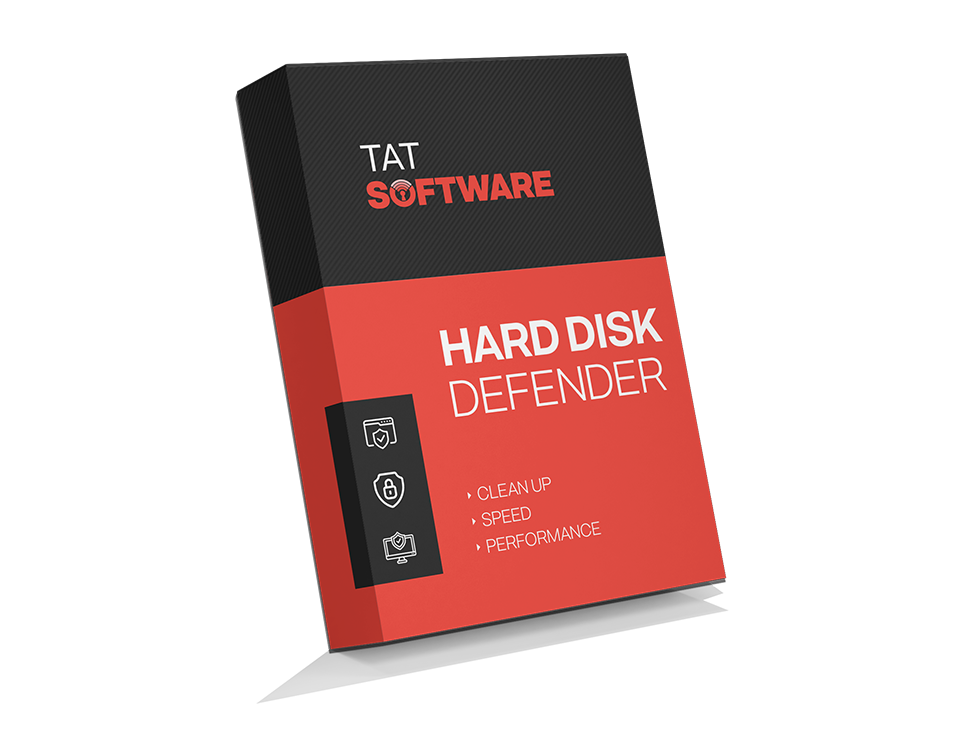
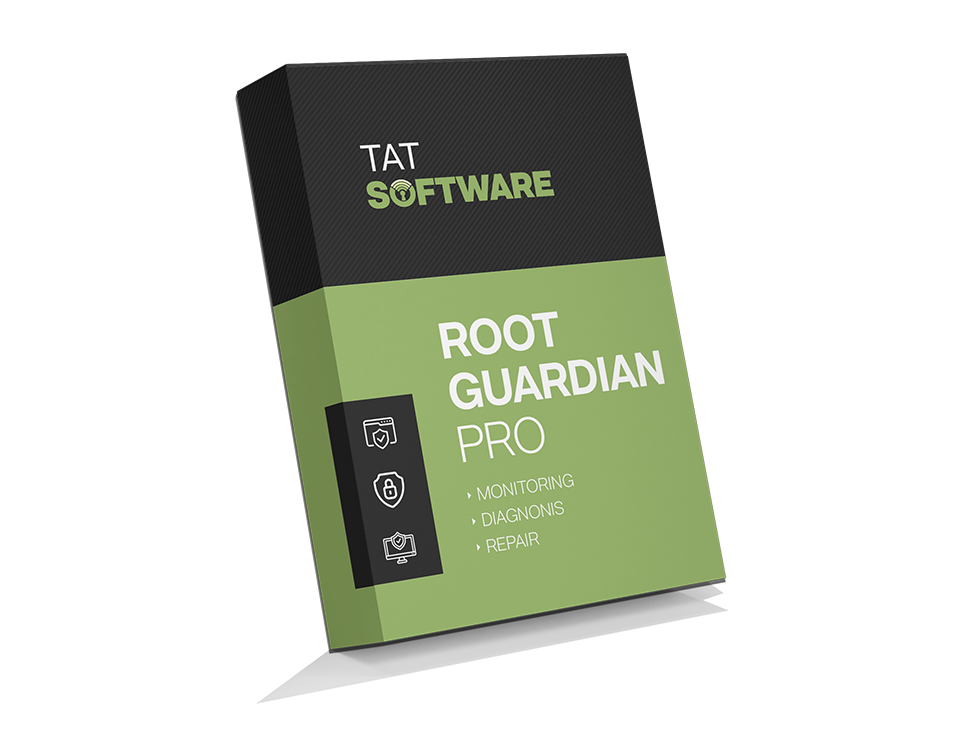
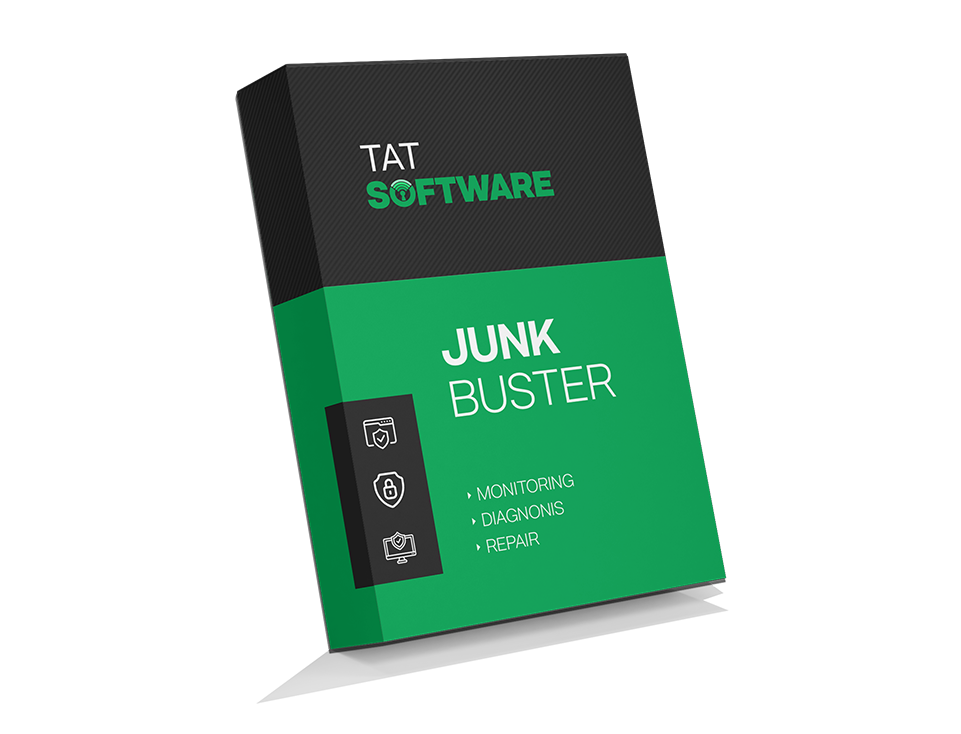
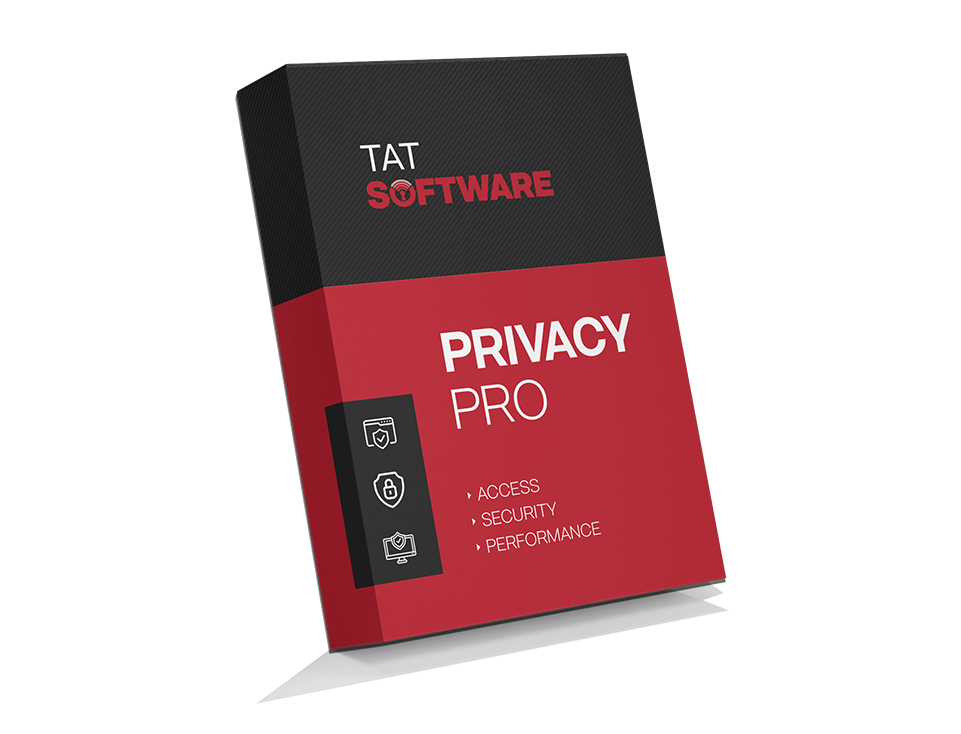
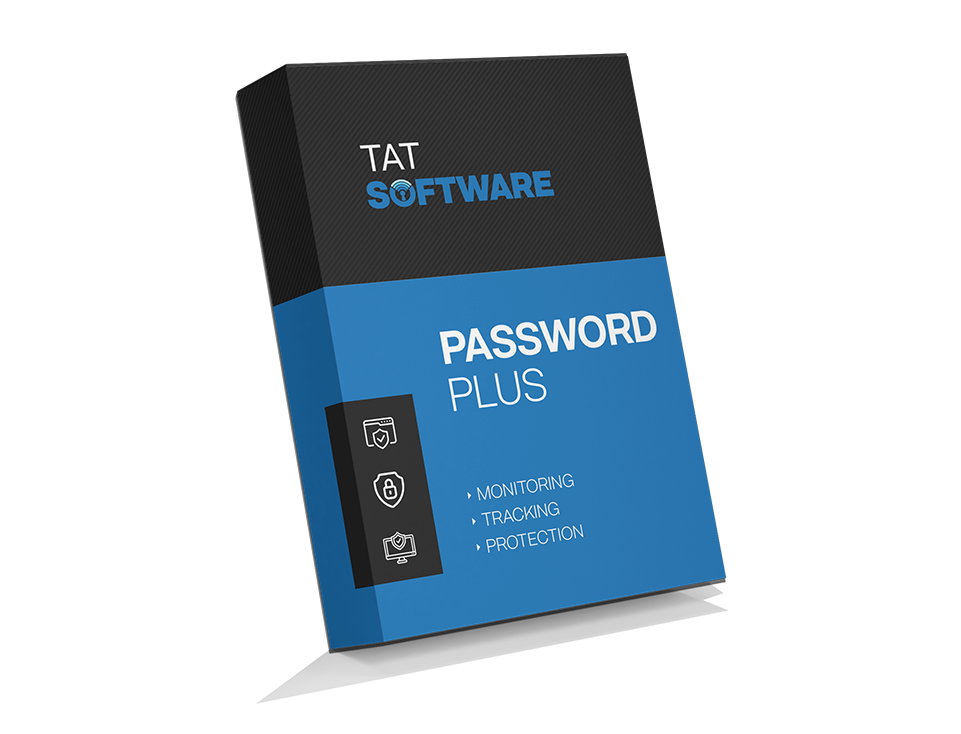
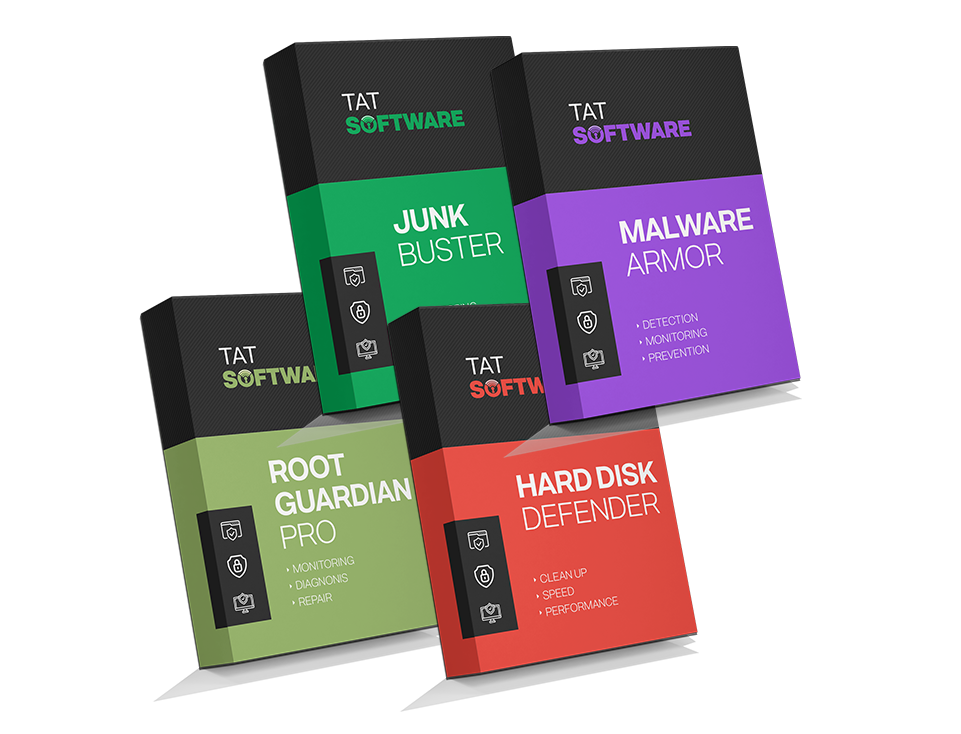
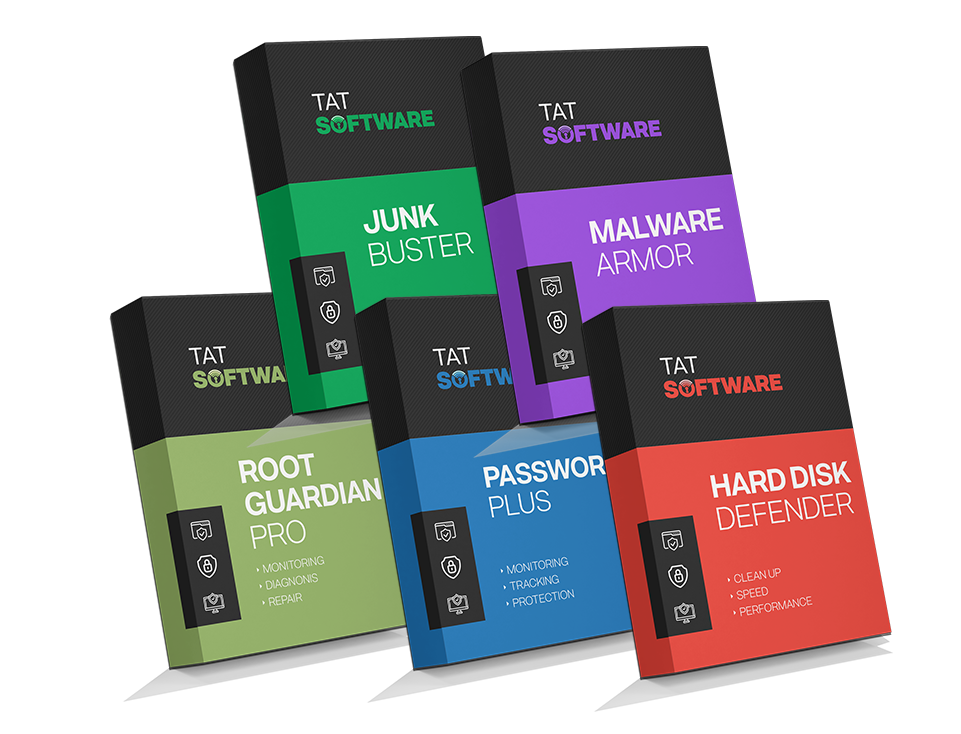
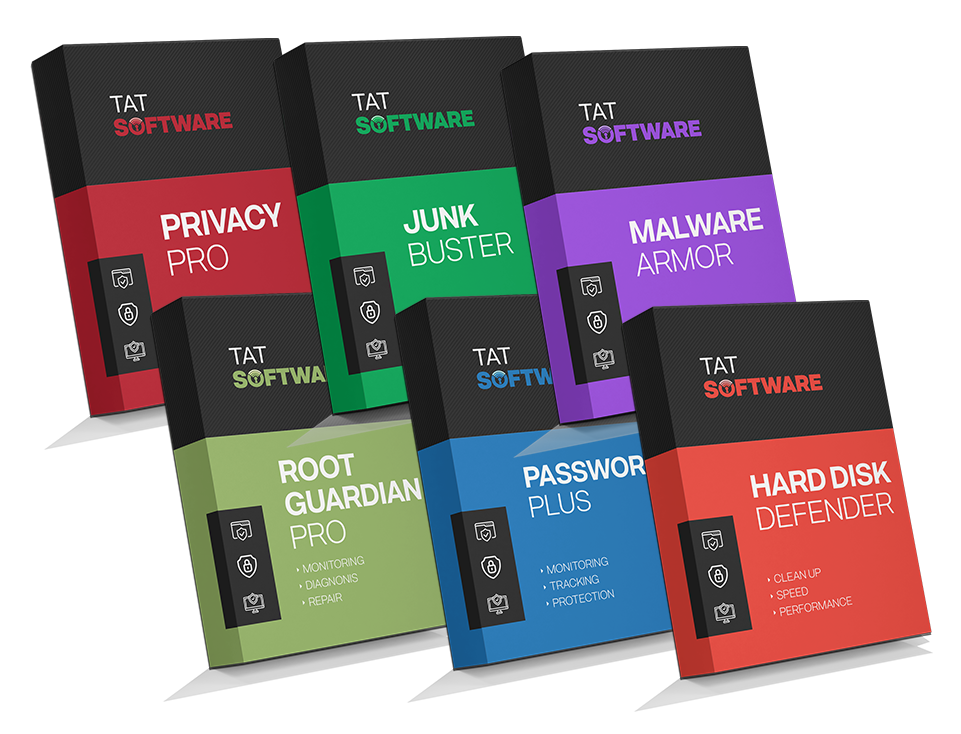
Our Exclusive Product Range Designed To Ensure All-Round Protection
Choose from our affordable product packages for comprehensive PC security solutions, all from the comfort of your home.
Install Your Antivirus
In 3 Easy Steps
Simply follow the provided instructions and proceed with ease. If you have any existing antivirus software on your computer, it is generally a good practice to uninstall it first.
Run The Installer Double-click the installer file to start the installation process. It often has a file extension like ".exe" for Windows or ".dmg" for macOS.
Follow The Instructions Choose the destination folder and follow the onscreen steps.
Finish Installation Click the "Install" or "Finish" button to begin the installation process and follow the instructions to finish the installation.
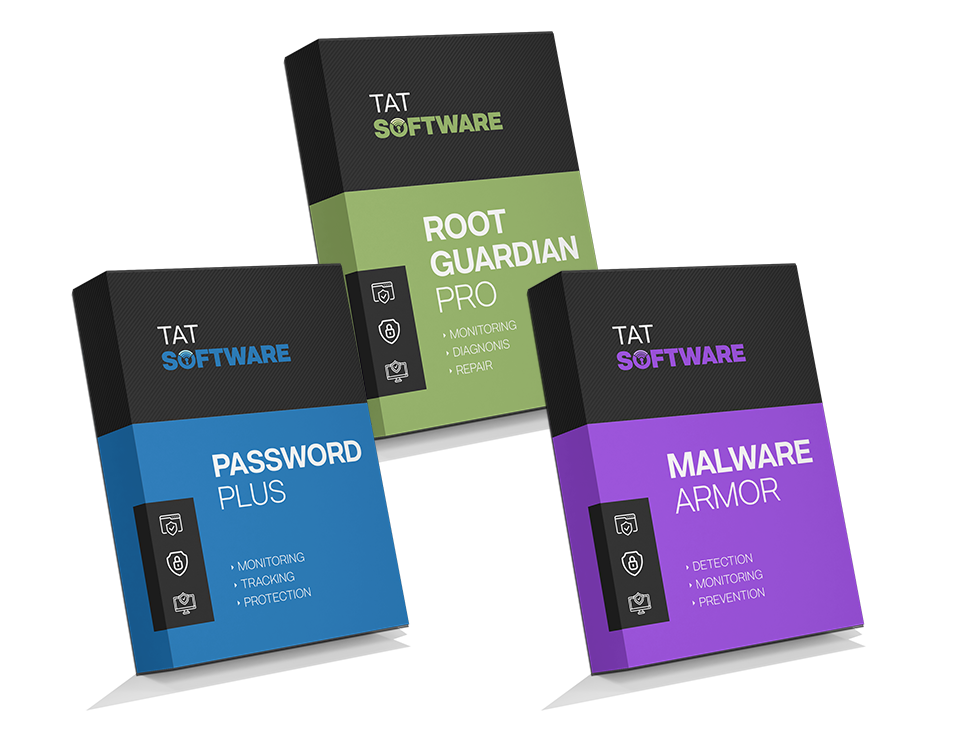
Bundle Purchase Option
Whether you are looking to prevent virus attacks, neutralize malware, protect your online activity or just speed up your system, we have a solution for all your system security needs.